
Download Convertilla – Media Converter, File Format Conversion, Video Conversion, Device-Specific Conversion, Mobile Media Tool, Easy Video Conversion, Cross-Platform Compatibility, Convert Video to MP4, Convert to iPhone Format, Convert to Android Format
Overview
Convertilla is a mobile application designed to simplify the process of converting media files across various formats. Its primary purpose is to enable users to transform video files into versions compatible with specific devices without requiring technical knowledge of file types or codecs. This addresses a common pain point for individuals who struggle with format incompatibility when transferring media between smartphones, tablets, gaming consoles, or computers. The app is especially beneficial for non-technical users seeking a seamless way to ensure their videos play correctly on devices such as iPhones, Android phones, Xbox 360, PSP, PS3, iPods, and Zune.
Target users include casual media consumers, digital content creators, and anyone managing personal video libraries across multiple platforms. The app’s focus on device-oriented conversion eliminates the need to manually select output formats, making it accessible to users with minimal technical experience. While the developer, Convertilla, is listed without further details, the app has been available since 2015, indicating a stable presence in the mobile productivity space. Its continued availability suggests consistent functionality and user relevance over time. In the broader app ecosystem, Convertilla fills a niche for lightweight, utility-based tools that prioritize usability over advanced editing features.
Key Features & Functionality
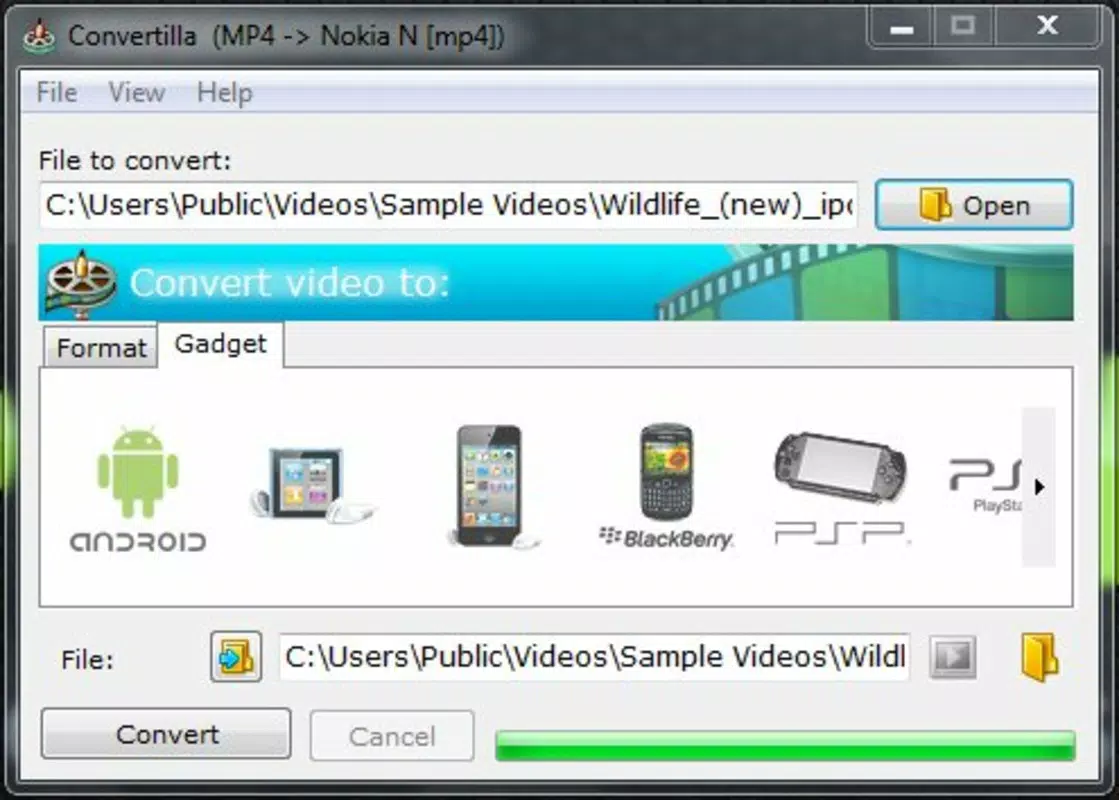
- Device-Oriented Conversion: Instead of choosing a file format, users select their target device. Convertilla automatically applies the correct format, ensuring compatibility without user confusion.
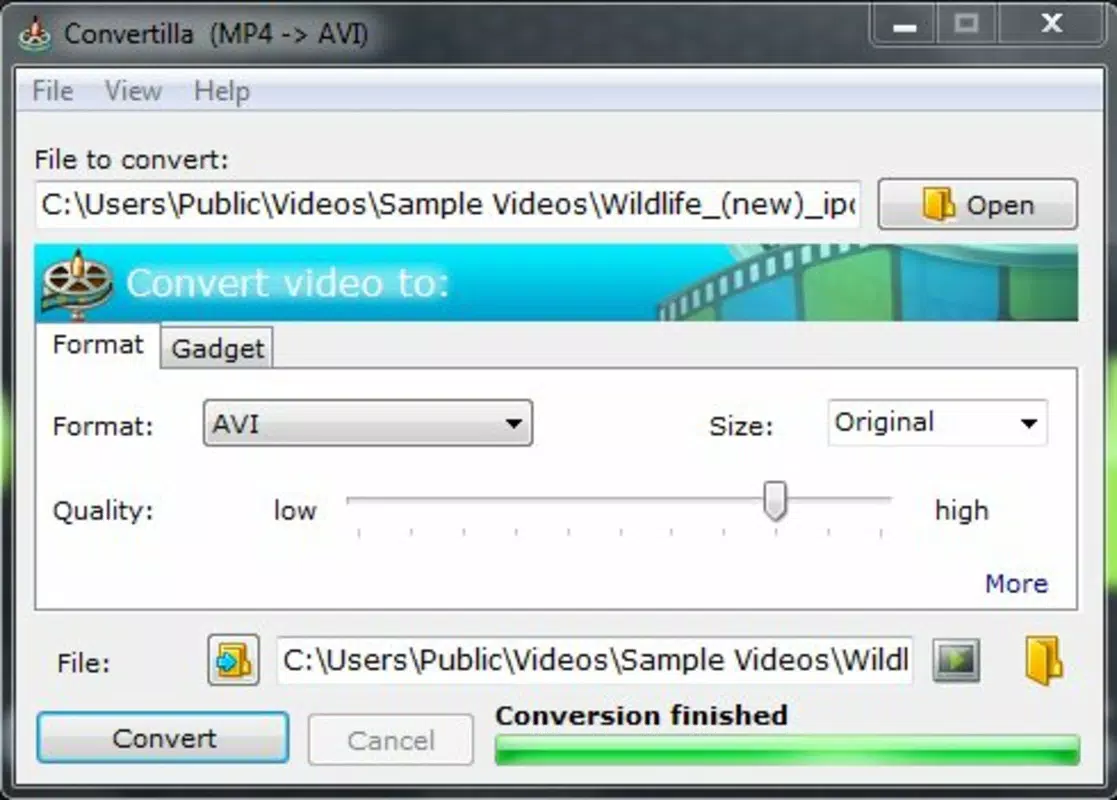
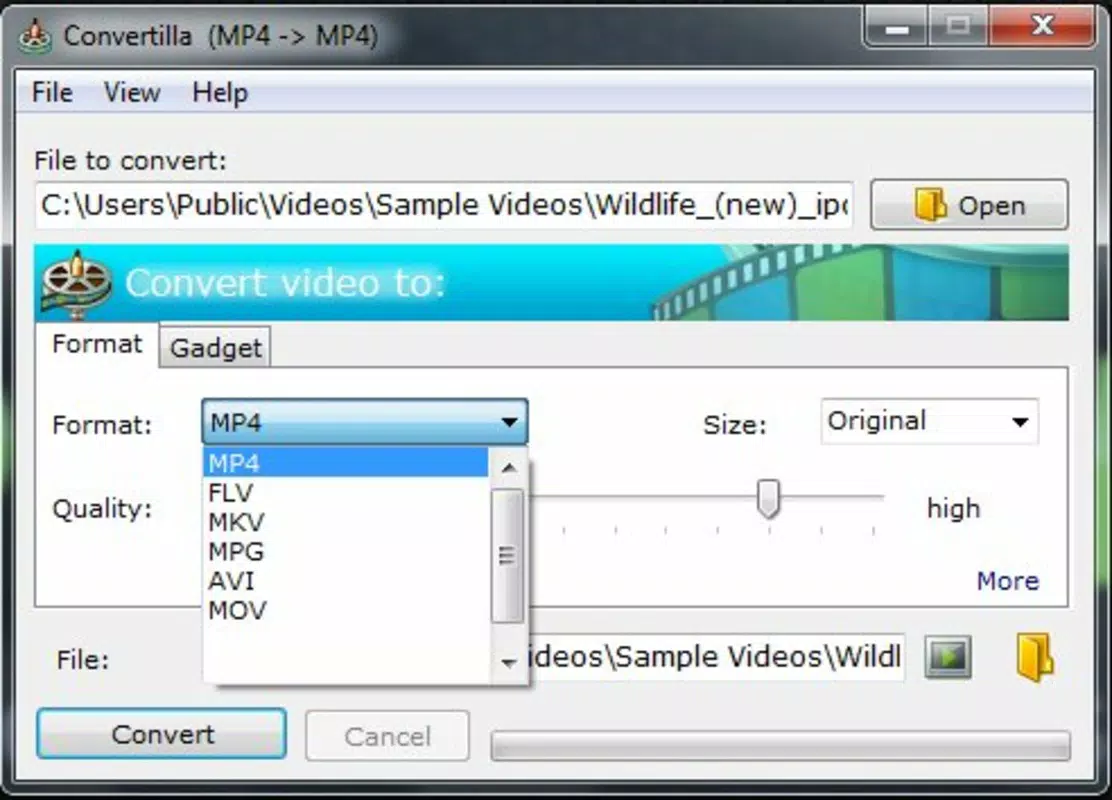
- Wide Format Support: The app supports multiple video formats including MP4, FLV, MKV, AVI, MOV, and others, enabling broad cross-platform use.
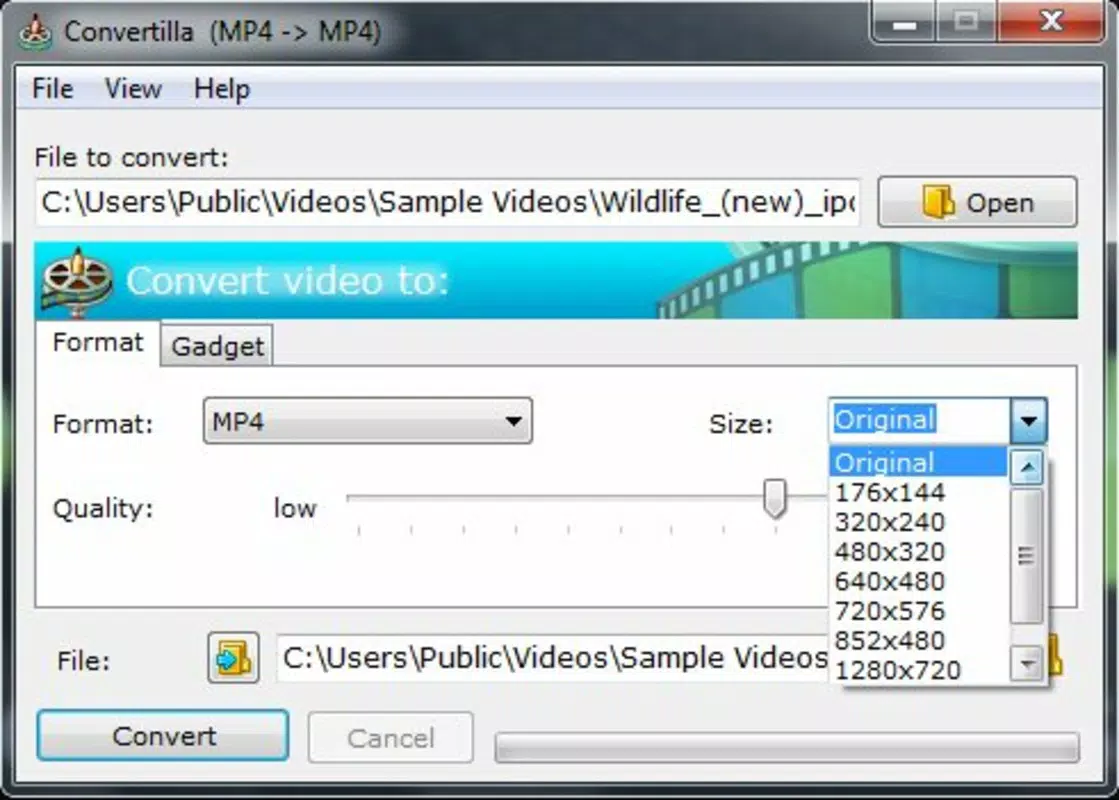
- Quality and Size Adjustment: Users can customize output file size and video quality, allowing optimization for storage space or visual clarity based on their needs.
- Simple and Intuitive Interface: The layout is straightforward and easy to navigate, minimizing the learning curve for new users.
- Multipurpose Compatibility: Supports a wide range of devices such as Android, iPhone, Xbox 360, PSP, PS3, iPod, and Zune, enhancing its versatility.
For example, a user with a video recorded on a digital camera in AVI format can select their iPhone as the target device, and Convertilla will convert the file to a compatible format without requiring manual format selection. Similarly, someone preparing a video for a gaming console can choose the device from a list, and the app handles the rest. This functionality streamlines media management for users who frequently transfer files across platforms, reducing time and effort spent on technical troubleshooting.
Interface, UX & Performance
Convertilla features a clean, minimal interface focused on core functionality. The layout prioritizes ease of use, with clearly labeled options for device selection, file upload, and conversion settings. Navigation is linear and predictable, guiding users through the conversion process in a few simple steps. Visual cues are consistent, and the absence of clutter supports a distraction-free experience.
Although the developer did not list formal performance metrics, the app’s lightweight footprint of 4.2 MB suggests efficient resource usage. This size indicates that the app is optimized for low-memory environments, making it suitable for older or entry-level Android devices. Responsiveness appears to be consistent with its simple workflow, though no specific data on processing speed or conversion time was provided. Stability is implied by the app’s long-standing availability, but no user-reported issues were mentioned. Overall, the user experience is designed around accessibility, ensuring that even users unfamiliar with media conversion can operate the app effectively.
Platform Compatibility & Technical Requirements
Convertilla is available exclusively on the Android platform. The app is compatible with Android operating systems, though specific minimum OS requirements were not listed by the developer. The current version is 1.2.5, and the file size is 4.2 MB, indicating a lightweight installation that requires minimal storage space. Given its release date of July 29, 2015, the app has been in circulation for nearly a decade, suggesting adaptability to evolving Android versions.
While no detailed technical specifications were provided, the app’s small size and focus on basic conversion tasks imply broad compatibility with most Android devices released in the past ten years. Users should verify compatibility with their device’s OS version, as the developer did not specify minimum requirements. For those seeking a free tool to convert media files on Android, Convertilla offers a straightforward solution without demanding high-end hardware.
Pros and Cons
Pros
- Device-specific conversion simplifies format selection for non-technical users.
- Supports a wide range of video formats and devices.
- Lightweight size (4.2 MB) ensures minimal storage impact.
- Free to download and use with no in-app purchases.
- Intuitive interface suitable for users of all experience levels.
Cons
- Only available on Android, limiting cross-platform access.
- No information on minimum OS version or device compatibility.
- Limited to video conversion; no audio or document conversion support.
- Version and update history are not publicly detailed.
- Developer did not provide performance benchmarks or processing time estimates.
FAQ
Is Convertilla safe to download and use?
Yes, Convertilla is a free mobile app designed for Android devices. As it does not require sensitive permissions and operates locally, it is considered safe when downloaded from trusted sources.
Can I convert audio files with Convertilla?
The app is focused on video file conversion. There is no information indicating support for audio format conversion.
Does Convertilla require an internet connection?
Based on available information, the app appears to perform conversions locally, meaning it may not require an internet connection after installation.
Is Convertilla available on iOS?
Currently, Convertilla is only available on Android. There is no official iOS version listed.
How often is Convertilla updated?
The developer has not disclosed update frequency. The latest version is 1.2.5, released in 2015, suggesting minimal recent updates.
Final Thoughts
Convertilla stands out as a reliable, no-frills solution for users seeking a simple way to convert video files for different devices. Its device-oriented approach removes the complexity of format selection, making it ideal for individuals who prioritize ease of use over advanced features. While it lacks modern updates and platform diversity, its core functionality remains effective for basic media conversion tasks. For Android users managing video files across multiple platforms, Convertilla offers a practical, free tool that delivers consistent results without added cost or complexity.
Download Convertilla now


